PEMF Device Smartphone Integration Benefits Seamless Control
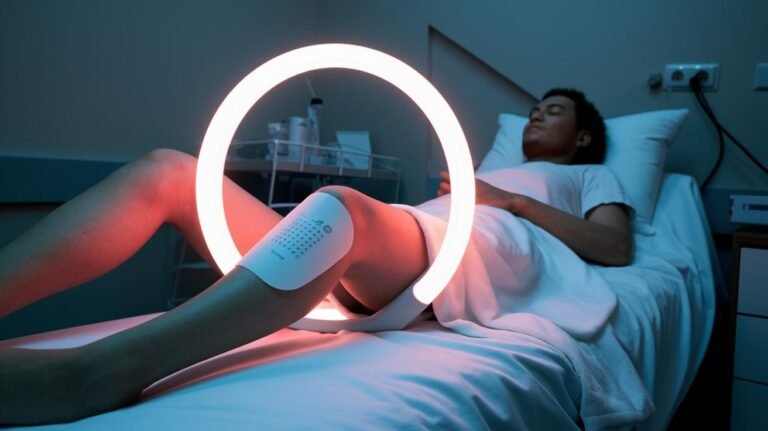
What if the tiny device in your pocket could be your personal coach for PEMF (Pulsed Electromagnetic Field therapy, a gentle electromagnetic pulse that helps cells recover)? Picture the soft hum of energy guided by your phone.
With smartphone integration you can start, pause, or nudge intensity from across the room. You can schedule daily sessions and save your favorite settings with a tap, like setting a playlist for your body. Less fiddling. More flow.
That means more consistent recovery, deeper sleep, and faster post-workout relief. You’ll spend less time messing with knobs and more time feeling better. Relax.
In this post I’ll show how phone control turns PEMF into simple, trackable care you’ll actually use. Oh, and a neat trick, set reminders and watch small wins add up.
PEMF Device Smartphone Integration Benefits Seamless Control
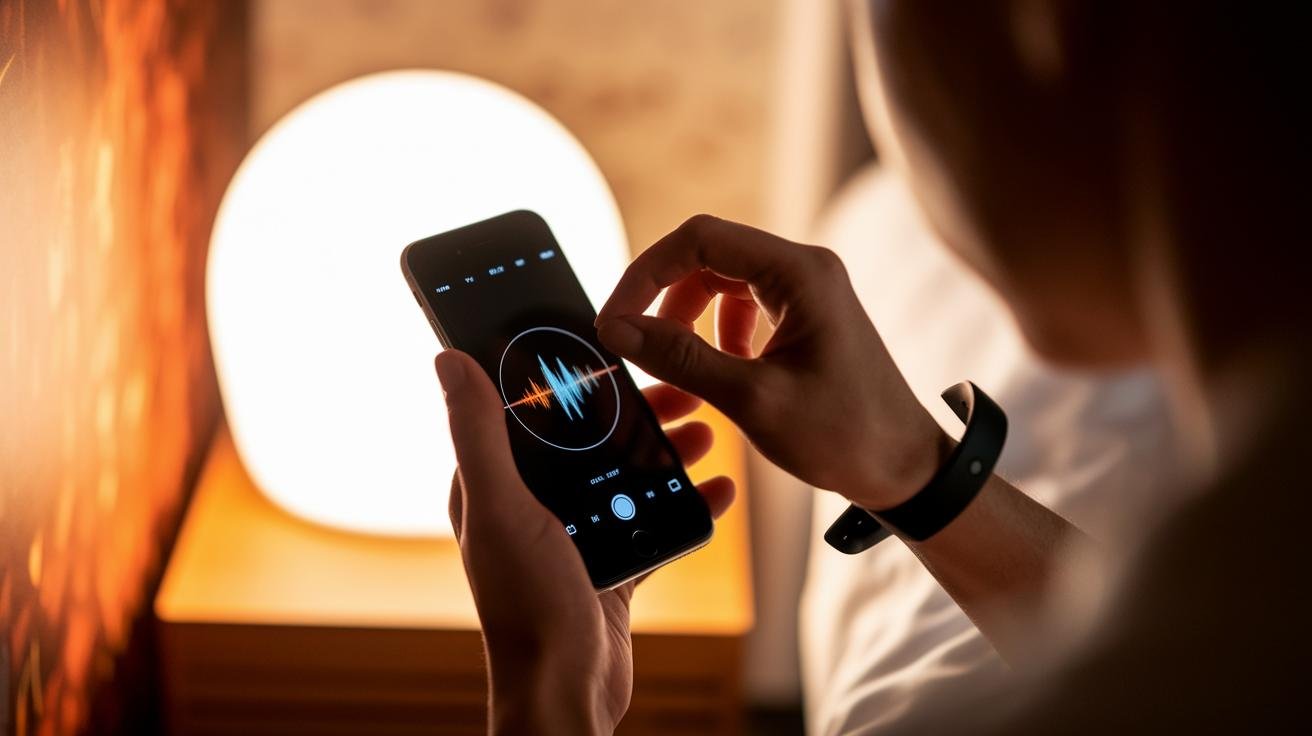
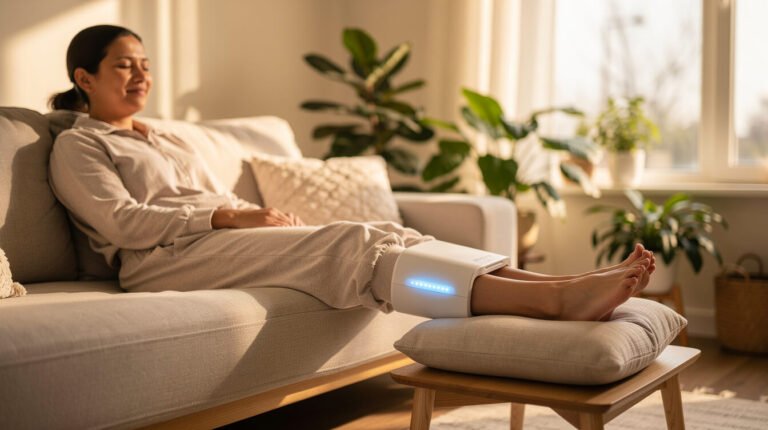
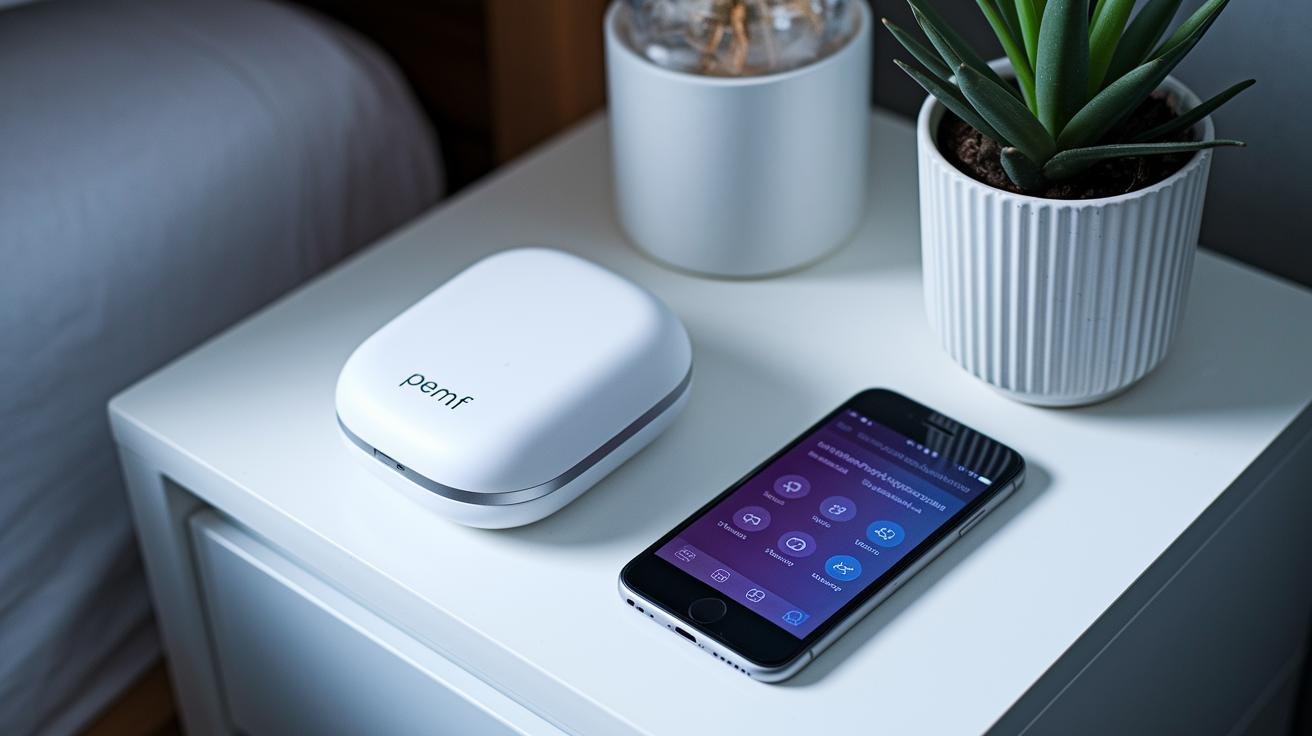
Smartphone control puts precise PEMF (Pulsed Electromagnetic Field therapy) right in your pocket. With a tap you can start, pause, or tweak a session from anywhere in your home. No fiddly knobs. That means you can keep your routine going without interrupting rest or recovery.
Apps make personalization feel easy. Systems like NeoRhythm and Haelo show clear menus for picking frequencies (how fast the pulses happen) and preset programs, so choosing the right session is as simple as picking a playlist. Save what works and call it up with one tap.
- Remote activation – turn a full-body mat or wearable on and off from across the room so you’re relaxed before the session begins.
- Session scheduling – set daily or weekly sessions with push reminders so therapy fits your day and stays consistent.
- Live intensity adjustments – nudge frequency or field strength during a session to match comfort and changing needs.
- Data-driven insights – view session logs and trends to see which settings link to better sleep, less soreness, or faster recovery.
- Personalized presets – store favorite protocols for fast recall, whether you want a gentle night mode or a focused recovery burst.
Putting scheduling, live tweaks, and session history together gives you real control. You can squeeze therapy into odd pockets of time, track what helps most, and share logs with a clinician when useful. Easy, low-effort, and personal.
Have you ever felt a session just hit the sweet spot? Keep that setting. Repeat it. Relax.
Customizable PEMF Protocols via Mobile App Connectivity
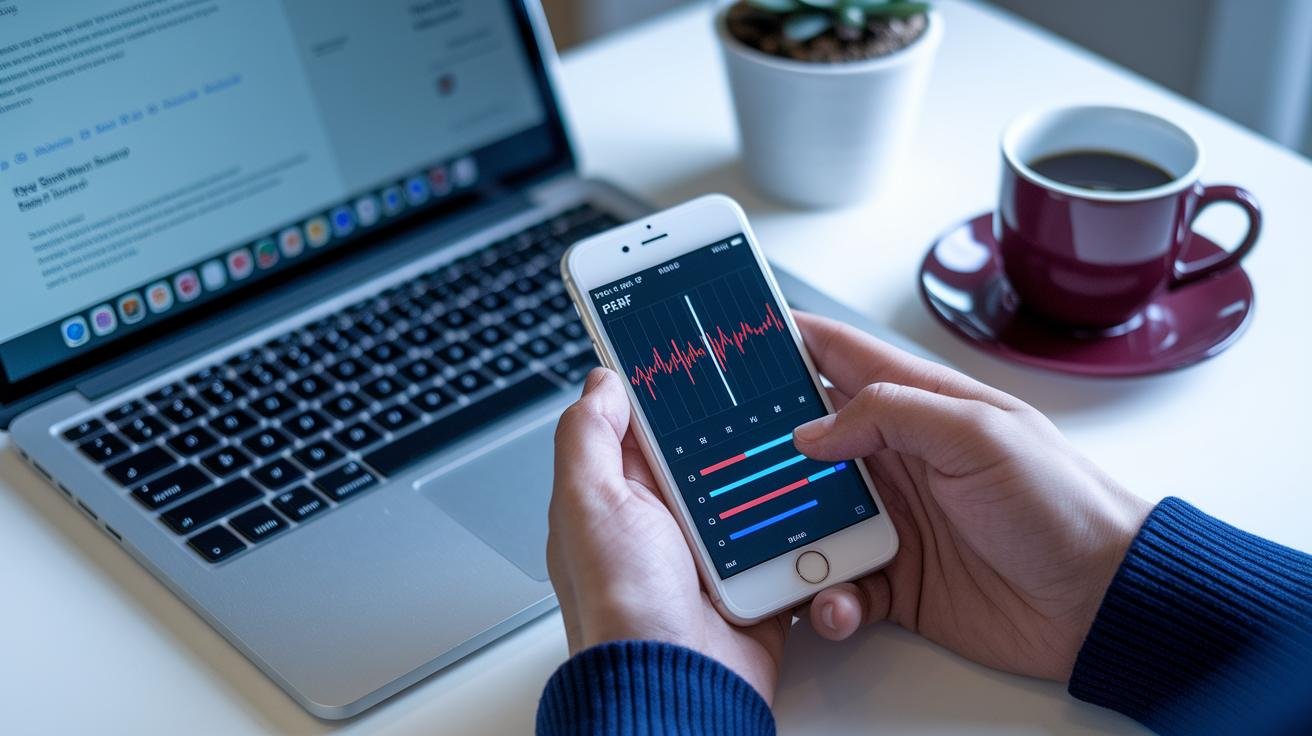
A mobile app turns a PEMF (Pulsed Electromagnetic Field therapy) device into your personal therapy station. You can choose presets or fine-tune frequency, intensity and session time. It’s like finding the right radio station for your body, humming just the way you need.
Typical control options are easy to understand and feel practical. Frequency usually runs 1-50 Hz. Intensity is shown in microtesla (µT, the unit that measures magnetic field strength). Session length can be a quick 5 minutes or a longer 60+ minute wind-down.
Waveform selection and the option to save layered or step-by-step protocols give you deeper control. Save sequences for morning energy, post-workout recovery or an evening calm. Example preset: "Evening Calm" , 3 Hz, low µT for 30 minutes.
- Frequency – 1-50 Hz: lower frequencies bring deep-tissue calm, higher frequencies give short recovery bursts.
- Intensity – microtesla (µT): match the field to comfort and how deep the tissue is; gentler fields for nightly use, stronger for focused sessions.
- Session length – 5-60+ minutes: quick boosts or longer sessions that fit a coffee break or an evening routine.
Many apps also let you share session logs or presets with your clinician, export protocol files for review, and install firmware updates over the air. Have you ever wanted to hand a trained pro your exact session settings? This makes that simple.
Scheduling and Managing Sessions with Remote PEMF App Features
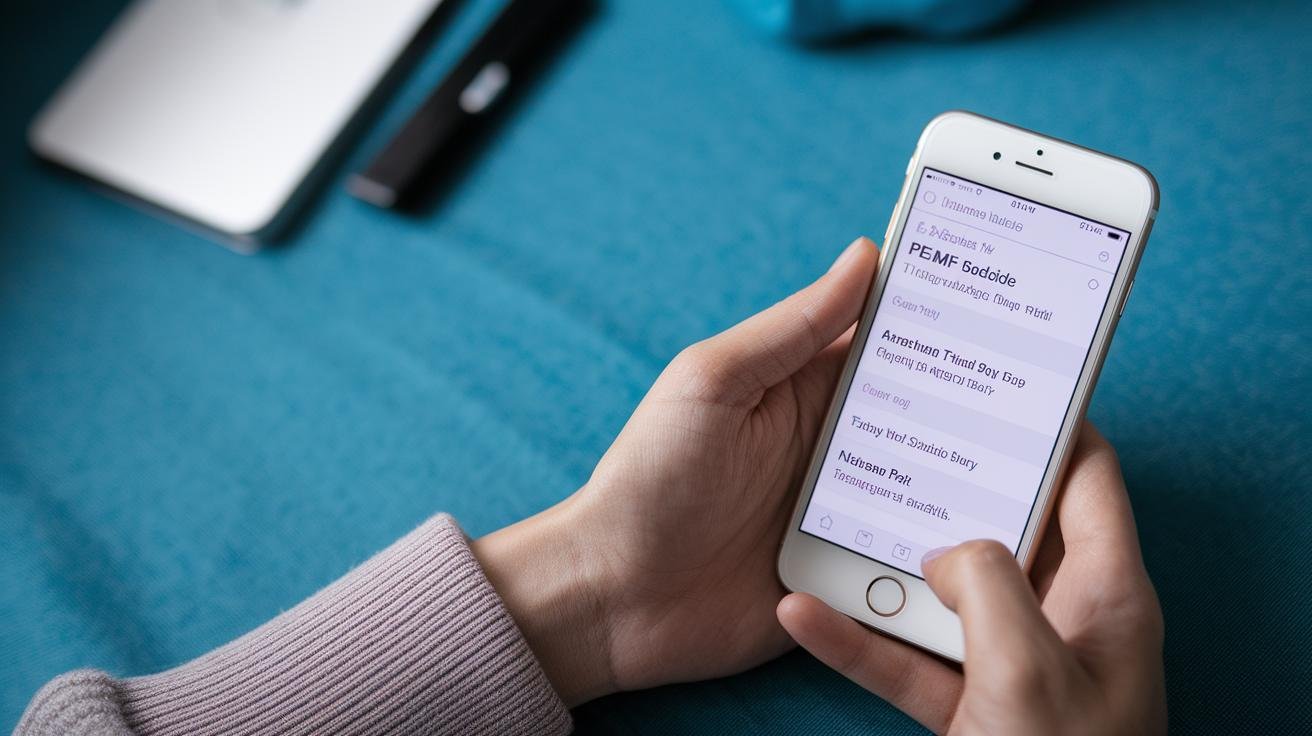
Plan your PEMF (Pulsed Electromagnetic Field therapy) sessions right on a calendar that feels like your recovery planner. Drag a session into a morning or evening slot, copy it across days, or build a steady weekly rhythm that matches your workouts and sleep. Pick a weekly goal, say three focused recoveries, and the app gently fills empty spots to hit that target, then lets you tweak any slot.
The calendar gives you day and week views, plus drag-and-drop scheduling for quick edits. Want the same routine every day? Copy sessions across days or whole weeks in one tap. The weekly-target automation fills gaps up to your goal. Missed sessions get flagged so you can see them at a glance, and you can snooze, reschedule, or add a reason right in the calendar.
Gentle push reminders help cut down on skipped treatments. Session logs capture time, duration, frequency and intensity so you’ve got a clear record for yourself or for compliance. Habit tools keep you motivated: streaks, completion rings and short mood notes let you track how you felt. Quick example note: "Felt calmer after a 20-minute morning session."
Think of the app as a little recovery coach that nudges you, shows your progress, and keeps everything tidy. Oh, and here’s a neat trick: export a CSV (spreadsheet file) or print a timeline that includes symptom scores. Share that single file with your clinician to speed reviews and guide setting changes.
Relax. Breathe. You’re building a routine that fits your life.
Real-Time Monitoring and Analytics for Personalized PEMF Therapy
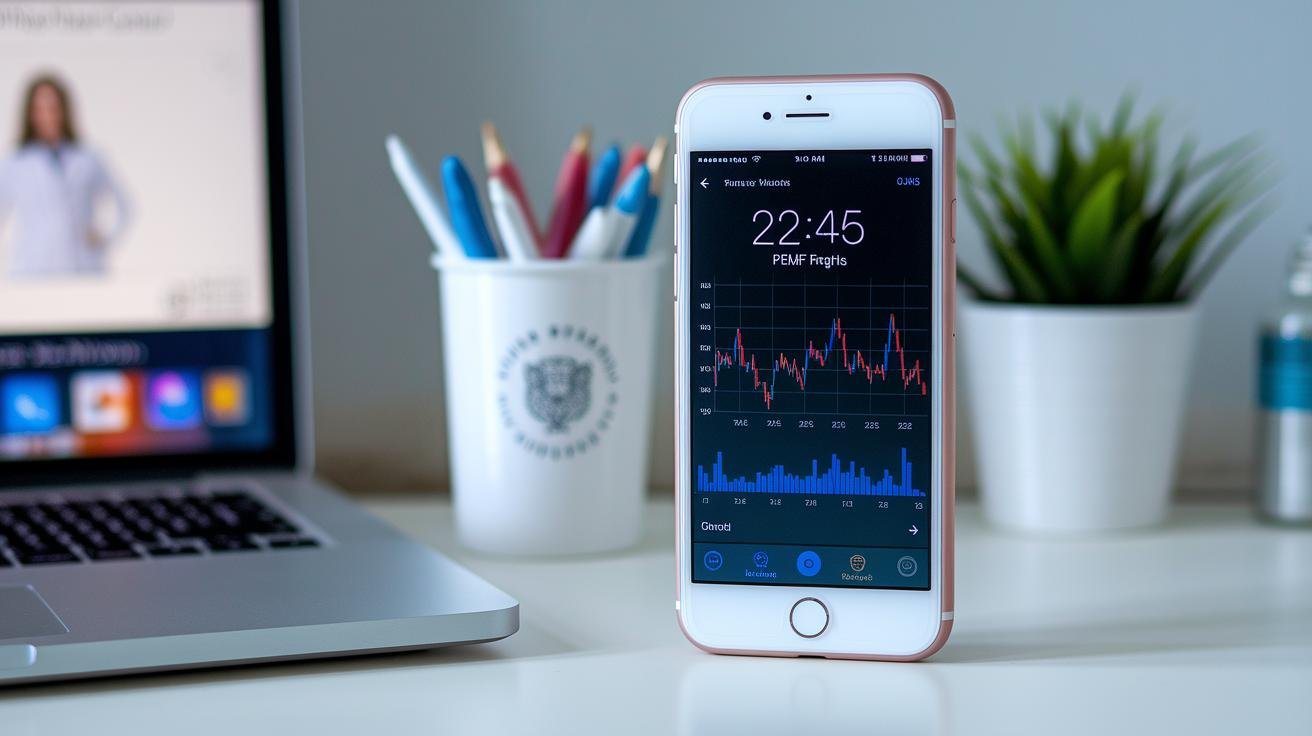
Real-time monitoring gives you clear, live readouts during a PEMF (Pulsed Electromagnetic Field therapy) session. Have you ever wanted to see exactly what’s happening while the coils work? The display shows each coil’s output, the pulse waveform shape and frequency, session elapsed time, and µT (microtesla) gauges for field strength. You’ll also get a timeline that marks intensity shifts, so it feels like watching the gentle hum of the device in action. The app sends hardware alerts if a coil drops below its target range, so you can spot delivery issues fast.
Compact analytics fold session data into simple trend metrics: sleep quality as a percent, circulation scores, and basic inflammation markers, all shown as short, easy-to-read charts. Sessions can be tagged with notes that link directly to the exact settings used (for example, "post-run soreness: LowFreq 20min"), which makes matching outcomes to protocols straightforward. Want to dial things in? Use this feedback loop to tweak settings over time and see what helps your sleep, recovery, or pain the most.
Quick tip: jot one short sentence after each session about how you felt. It makes the data actually useful.
Setting Up Smartphone Connectivity for Your PEMF Device

PEMF (Pulsed Electromagnetic Field therapy) apps usually run on iOS and Android. Before pairing, make sure your phone’s operating system is up to date and that Bluetooth or Wi-Fi is turned on. Keep the PEMF unit nearby and charged so the connection is quick, most setups finish in under five minutes.
Open the device’s dedicated app and tap "Add Device." Choose Bluetooth or Wi‑Fi, then scan the QR code on the unit or pick the device from the list. Approve any pairing codes the app shows. It’s straightforward, and the app will guide you step by step.
The app will run a firmware check and then guide a short calibration. You might be asked to place coils over marked spots or run a brief test pulse that feels like a gentle hum. This helps the system learn coil locations and baseline output. Follow the on‑screen prompts for first‑session settings like frequency, intensity (µT, microtesla) and duration.
Can’t find the device? Try toggling Bluetooth, moving closer, restarting the app, or rebooting your phone and the PEMF unit. Grant location and Bluetooth permissions if the app requests them. Oh, and here’s a neat trick: turn off any battery saver or airplane mode that might block connections.
After pairing, verify the link by viewing live coil output or µT readouts in the app, checking the unit’s LED indicators, and running a one‑minute test session. If the problem sticks, use the in‑app support chat or reinstall the firmware, those usually do the trick. Relax. You’ll be up and running soon.
🎁 Get a Free Wellness Gift
Enter your name and email below to receive a special wellness gift from OlyLife — absolutely free!
Ensuring Data Security and Privacy in PEMF Smartphone Integration

Worried about your PEMF (Pulsed Electromagnetic Field therapy) session data? You should be. But many leading apps take steps to keep things private and secure, so your sessions stay between you and the device.
Top apps use end-to-end encryption so data is scrambled while it moves and while it sits on servers. That covers things like coil output, session logs and symptom notes. They also store data in HIPAA-compliant systems (so health data follows U.S. privacy rules) and use signed firmware updates plus regular security patches to fix weak spots. Short-lived session tokens (temporary keys that expire) and two-factor sign-in (also called two-step authentication) reduce the chance someone else gets in.
Manufacturers publish clear privacy policies that explain what they collect, how they use it, and when data might be shared. Many follow GDPR-style consent flows so you decide what leaves your phone and when. Some devices add hardware safety checks and local-only modes to keep data on the device; see OlyLife smart PEMF safety sensors benefits for an example. Regular third-party audits or bug-bounty reports are a good sign the company cares about protection.
In the app you’ll usually find privacy controls: two-step authentication, toggles to opt in or out of sharing, and tools to export or delete your records. You can send a CSV to your clinician or keep logs local if that feels safer. Oh, and here’s a neat trick: review pairing permissions every time you connect a new device so you only grant what’s needed. Pick a strong password, enable two-step access, and check those permissions. Simple steps. Big difference.
Reported Outcomes and User Feedback on Smartphone-Integrated PEMF Therapy

Many people say they feel better after using smartphone-integrated PEMF (Pulsed Electromagnetic Field therapy), which uses short, low-frequency electromagnetic pulses to help cells recover. Some describe it like a gentle sunrise waking up tired cells.
Common self-reported changes include less pain, deeper sleep, improved circulation, and lower inflammation. These shifts often show up over days to weeks, not instantly. Consistency seems to matter.
Apps with reminders, session history, and evening presets help a lot. They make it easy to keep a routine and notice steady progress. Have you ever tried a small nightly habit that changed your mornings? This is similar.
Here’s a user note: "My chronic neck pain eased after three weeks of nightly sessions – the app reminders kept me consistent."
| User Voices |
|---|
| “My chronic neck pain eased after three weeks of nightly sessions – the app reminders kept me consistent.” |
| “I slept deeper and woke up with less tension. The evening preset is now part of my wind-down.” |
Comparing Smartphone-Integrated PEMF Devices with Traditional Systems
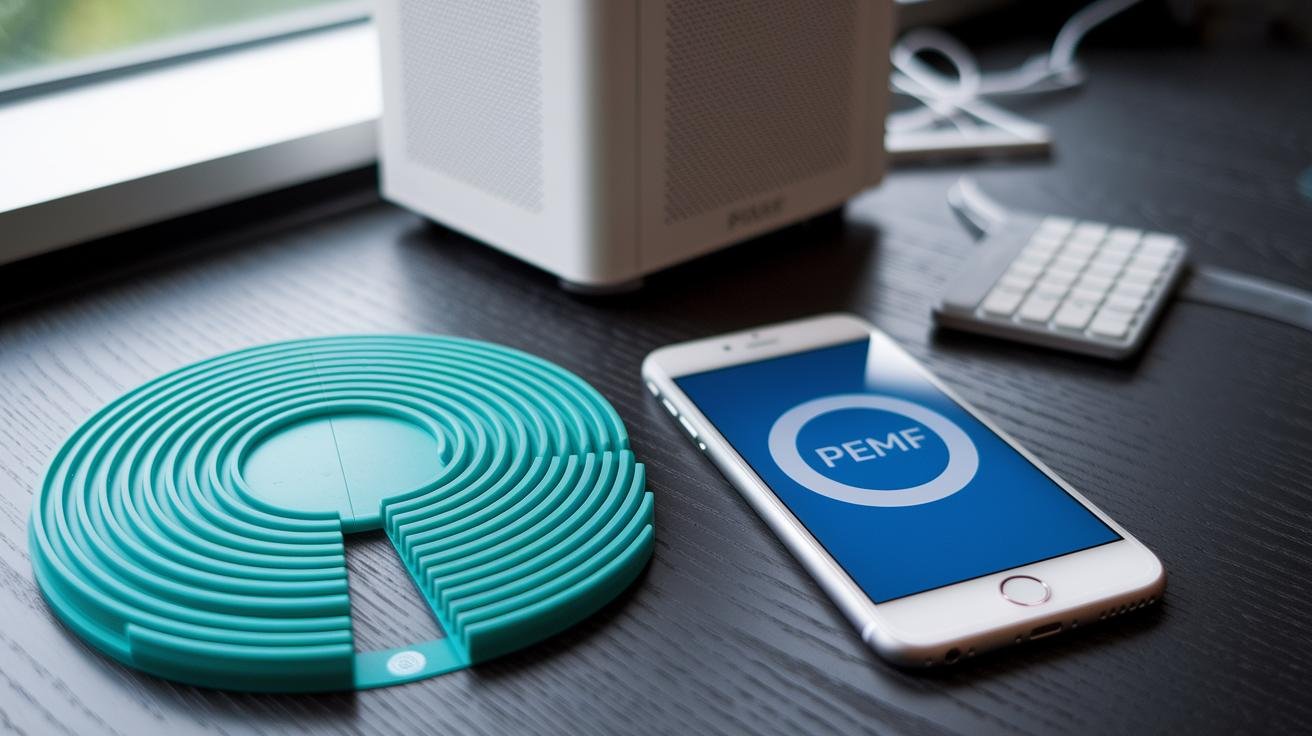
PEMF (Pulsed Electromagnetic Field therapy) sends gentle pulses of energy into your body to support recovery and relaxation. Think of it like a soft, rhythmic hum waking up tired muscles. Curious how smart devices change the experience? Here’s a quick run-down.
-
Real-time control: With a phone you can tap to change intensity or frequency mid-session and feel the difference right away (see Seamless Control). It’s handy for tweaking on the fly if something feels too strong or too light. Example: "Tap 'Boost' during your session, settings change in seconds."
-
Scheduling and automation: Your phone can set recurring sessions, reminders, and presets so you don’t have to think about it (see Scheduling). Set it and forget it. Example: "Schedule 'Evening calm' at 9 PM, the mat starts your 20-minute session."
-
Analytics and monitoring: Apps keep a session history and show live feedback or alerts so you can track patterns over time (see Real-Time Monitoring). You’ll see what settings helped and what didn’t. Example: "Session log – 20 min, 10 Hz, felt calmer afterward."
-
Reliability and fallback controls: Old-school units use simple hardware knobs and buttons when a phone isn’t around; many smart systems keep local controls or backup modes and also support clinic sync and firmware updates (see Seamless Control and Setup). So if your battery dies, you’re not stuck. Example: "Phone dead? Press the onboard button to start a preset session."
Final Words
We jumped right into how smartphone control puts PEMF therapy at your fingertips, live adjustments, tailored programs, simple scheduling, secure data handling, and clear progress charts. Every section gave hands-on steps for setup, monitoring, and dialing in treatments.
That adds up to calmer evenings, less muscle ache, and deeper sleep, without fuss. Think of the app like a gentle assistant nudging you toward consistent sessions and better recovery.
PEMF device smartphone integration benefits can turn small daily habits into steady recovery and brighter energy. Give it a week, notice the difference.
FAQ
Frequently Asked Questions
What are the benefits of a PEMF device?
The benefits of a PEMF (Pulsed Electromagnetic Field) device include pain relief, better sleep, faster recovery, reduced inflammation, and improved circulation; many users also report lower muscle tension and calmer focus.
What does PEMF do to the brain?
PEMF (Pulsed Electromagnetic Field) therapy affects the brain by gently modulating neural activity, improving blood flow and relaxation, which can help sleep regulation, mood balance, and clearer focus during the day.
Can you do too much PEMF?
You can do too much PEMF; excessive sessions or high intensity may cause headaches, restlessness, or sleep disruption—follow device guidelines, shorten sessions, or consult a clinician if symptoms persist.
Do PEMF devices really work?
PEMF devices can work for many people; clinical studies and user reports show benefits for pain, sleep, and recovery, though results vary by device quality, protocol, and individual biology.