Smart PEMF Session Presets Guide Optimizes Recovery
Most recovery plans skip one simple trick that speeds healing: using smart PEMF session presets. Have you ever wanted recovery to feel quicker and less like guesswork? Relax.
PEMF (Pulsed Electromagnetic Field therapy) uses gentle magnetic pulses to nudge cells back toward balance, like a warm sunrise waking up tired tissue. Think of it as a soft, steady hum helping your body settle and repair.
This quick guide walks you through goal-specific presets, sensible intensity steps, and proper placement so you move from pain to better motion faster. You’ll get practical settings and easy tweaks to make sessions feel like a gentle reset for sore muscles, better sleep, or lower inflammation.
Smart PEMF Session Presets Guide Optimizes Recovery
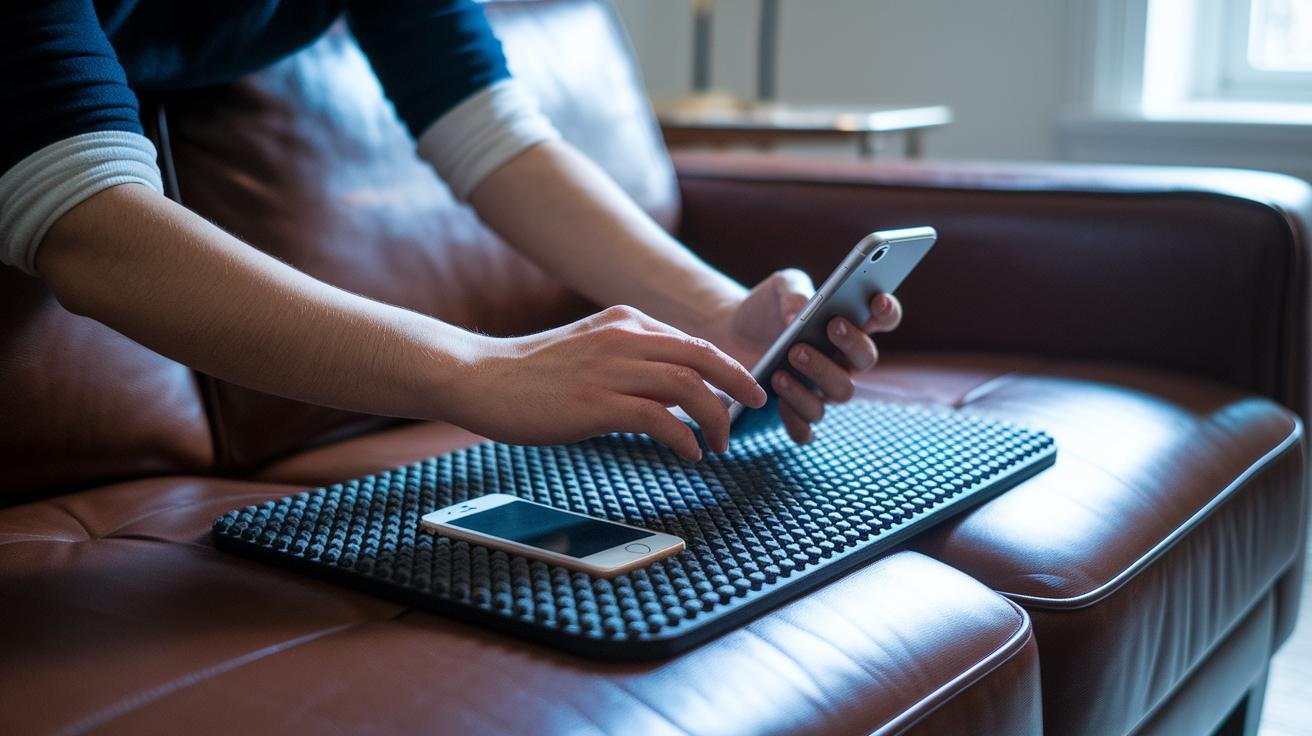
Smart PEMF session presets are ready-made programs set up for goals like easing pain, lowering inflammation, improving circulation, and helping cells regenerate. PEMF (Pulsed Electromagnetic Field therapy) uses gentle magnetic pulses to nudge cells back toward balance, like a warm sunrise waking up tired tissue.
These presets let you pick a goal and get going fast, which is great if you’re new or just want a quick routine. Want to try one now? Here’s a simple walk-through.
-
Choose your goal-specific preset.
- Pick Relaxation, Deep Tissue, Sleep, or Bone/Nerve depending on what you want to address.
- Relaxation soothes tense muscles; Deep Tissue targets stubborn knots; Sleep helps calm the nervous system; Bone/Nerve supports healing in those tissues.
-
Adjust intensity.
- Start very low, about 5–10 microtesla (µT), for sensitive areas or your first few sessions.
- Slowly raise in 5 µT steps up to around 50 µT for chronic or long-term needs, and pay attention to how your body responds. Think of it like turning up a dimmer on a lamp.
-
Set session duration.
- Typical sessions run 10–30 minutes.
- For acute pain or irritation aim for 10–20 minutes; for sleep support or deep recovery try 20–30 minutes.
-
Place the applicator or mat on the target area.
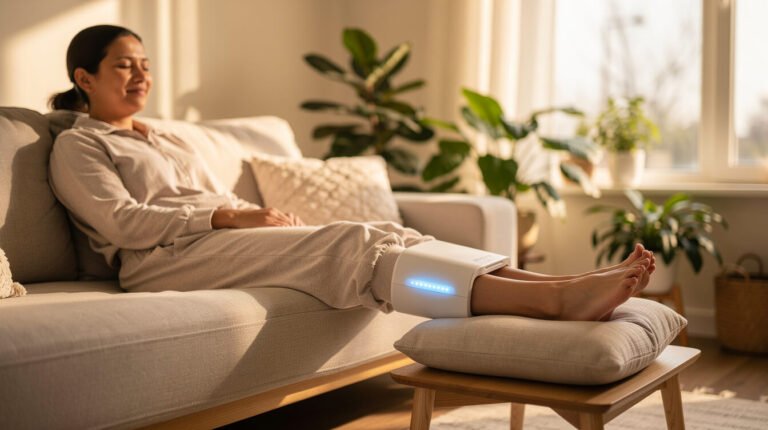
- Lay the mat under the body region or place a coil or pad directly over the spot, with comfortable contact.
- Good contact helps the field reach the tissue, a bit like pressing a heating pad gently into a sore shoulder.
-
Start the session via the device or companion app.
- Use one-touch presets for a fast start, or launch a saved custom program if you’ve made one.
- Sit back and notice sensations: a mild pulsing, warmth, or a gentle hum is normal. Relax. Breathe.
Making a custom preset is easy. Tweak frequency (pulses per second), intensity, and duration in the device menu or app, give it a clear name, and save it to your library for one-tap recall. Oh, and here’s a neat trick: keep a short session log so you can track settings and how you felt after each session.
If you want step-by-step home setup tips, check practical guidance for pulsed electromagnetic field therapy at home.
Smart Preset Types and Therapeutic Goals in PEMF Sessions
Smart presets in PEMF (Pulsed Electromagnetic Field therapy) match clear goals to a set frequency, intensity and time so you can pick a program and get steady results. Think of each preset as a gentle nudge tuned to what you need, like sleep, pain relief, tissue repair or a quick energy lift. The machine works with frequency in Hz, intensity in μT (microtesla) and minutes. Have you ever felt tension melt with a soft, steady pulse? That’s the feeling these presets aim for.
- Relaxation: 1-15 Hz, low intensity (5-10 μT), 15-20 minutes. Slow, calming pulses soothe tight muscles and ease stress, like a warm breeze on stiff shoulders.
- Deep Tissue Stimulation: 15-50 Hz, medium intensity (20-30 μT), 10-25 minutes. Targets stubborn knots and boosts circulation so muscles recover faster.
- Bone Healing and Nerve Regeneration: 50-100 Hz, higher intensity (30-50+ μT), 20-30 minutes. Supports structural repair and nerve recovery, helping tissue rebuild over time.
- Sleep Improvement: Delta (1-4 Hz) and Theta (4-8 Hz), low intensity (5-10 μT), 20-30 minutes before bed. Encourages deep, restorative rest so your body can wind down naturally.
| Preset | Frequency (Hz) | Intensity (μT) | Duration | Primary Goal |
|---|---|---|---|---|
| Relaxation | 1-15 | 5-10 | 15-20 min | Stress relief, gentle circulation |
| Deep Tissue | 15-50 | 20-30 | 10-25 min | Pain relief and recovery, circulation |
| Bone & Nerve | 50-100 | 30-50+ | 20-30 min | Tissue regeneration, structural healing |
| Sleep Aid | 1-8 (Delta/Theta) | 5-10 | 20-30 min | Deep restorative rest |
Session length depends on the goal. Pain and inflammation often respond in 10-20 minutes. Muscle recovery usually needs 15-25 minutes. Sleep programs work best 20-30 minutes before bed. For a daytime energy boost, use higher alpha/beta ranges (about 8-30 Hz) for short, focused sessions. For inflammation, stick with lower frequencies and gentler intensity, and pair sessions with light movement or extra hydration when you can.
Pick the preset that matches your symptom, nudge intensity up slowly, and keep a short log so you can fine-tune settings over time. Oh, and here’s a neat trick: note how you feel 30 minutes after a session, sometimes the changes are subtle at first, then clear. Relax. Breathe. Track.
Intensity Calibration and Scheduling Guidelines for Smart Presets

Adjust intensity
Start gently. For your first few sessions try 5-10 μT (microtesla, a measure of magnetic field) for 10-15 minutes. After 2-3 sessions, if you feel fine, raise the setting by 5 μT and try again. If you notice any discomfort , twinges, dizziness, or nausea , stop and drop back one step. Go slow. Many people find a steady zone around 20-50 μT for ongoing issues, but your pace matters most.
- Begin at 5-10 μT for initial sessions (10-15 minutes).
- After 2-3 comfortable sessions, increase by 5 μT.
- Repeat until you find a useful range (often 20-50 μT).
- If you feel discomfort, lower one step and try a shorter session.
- Keep a short session log of intensity, duration, and how you felt.
Log example – "Day 1: 5 μT, 15 min, felt relaxed."
Have you ever kept a tiny log? It helps. You’ll notice patterns fast.
Scheduling & Aftercare
Morning: try 8-12 Hz (Hz means cycles per second) for 20 minutes to wake up your system. Think of it like a soft sunrise for your cells. Midday: an optional 10-15 minute refresh if you need a pick-me-up. Evening: use 1-4 Hz for 25 minutes to wind down before bed. Calm. Quiet. Breathe.
Weekly ideas: if you’re in recovery mode, spread 4-6 sessions across the week. For sleep support, try nightly 20-30 minute sessions for 7-14 nights, then reassess. You can taper or keep going based on how you feel.
Post-session checklist:
- Rest quietly for 10 minutes. Let the subtle afterglow settle.
- Sip water to stay hydrated. Simple, but helpful.
- Use the app timers or device schedule to stay consistent.
- Adjust timing if your body asks for a lighter or longer approach.
Oh, and here’s a neat trick: try a 5-minute shorter session if you feel jittery, or add 5 minutes if you wake up calmer. Tiny changes make a big difference.
Frequency Adjustment Tips and Waveform Selection for Smart PEMF
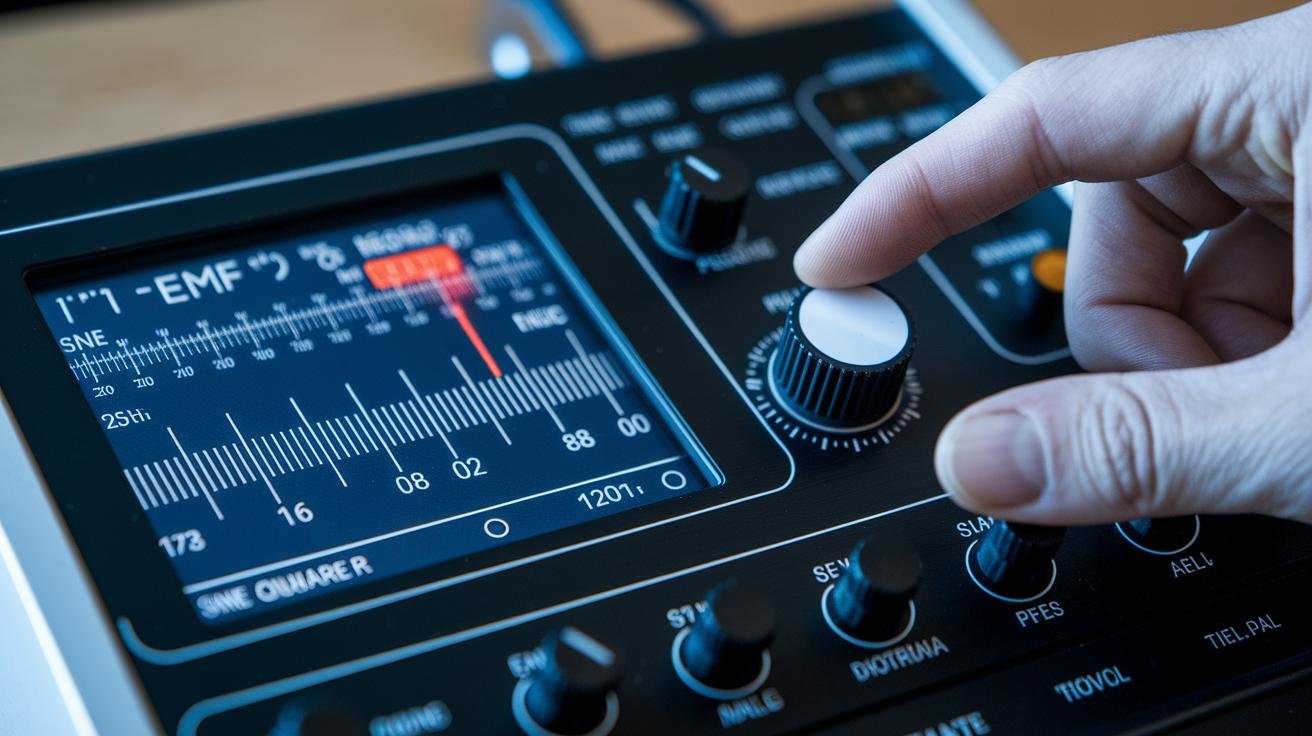
PEMF (Pulsed Electromagnetic Field therapy) uses tiny bursts of electromagnetic energy to nudge your cells. Think of it as a gentle hum your body can tune into. Which frequency you pick shapes the experience, so start with your goal in mind.
Choose the frequency band that matches what you want. Delta (1–4 Hz) helps deep restoration and recovery. Theta (4–8 Hz) eases stress and quiets the mind. Alpha (8–12 Hz) brings calm focus and steady balance. Beta (12–30 Hz) ramps up alertness and energy. Each band is like a different rhythm your body can sync with.
When trying a new band, begin at the low end and raise the frequency slowly. Move up in 1–2 Hz steps and use a few sessions at each setting to notice how you feel. If you feel better after a session, stick with that setting. If you feel wired or off, drop back one step.
Match frequency to the time of day. Morning sessions work well with Alpha or Beta for a gentle energy lift. Evening sessions favor Delta or Theta to quiet the nervous system and support sleep. Short tests of 10–15 minutes give you plenty of feedback.
Waveform matters. Square waves give sharp, punchy pulses for stronger stimulation. Sine waves flow like a slow ocean swell for relaxation and longer wear. Sawtooth waves ramp energy gradually, more like a sunrise waking cells.
- Square wave – good for pain relief and boosting circulation, like a firm tap.
- Sine wave – best for relaxation, steady calm, and prepping for sleep, like a slow wave.
- Sawtooth wave – useful when you want gradual ramping and mixed tissue response, like a rising tide.
Pulse modulation tip: vary pulse width (how long each pulse lasts) to target different cells. Short, tight pulses are for quick stimulation. Longer pulses reach deeper, gentler layers. Oh, and here’s a neat trick: try a short pulse with a sine wave for a brisk but calm session.
Want a quick checklist? Start low. Increase 1–2 Hz. Test 10–15 minutes. Match morning to Alpha/Beta and evening to Delta/Theta. Notice how your body responds, and adjust from there. Relax. Breathe.
Using the Smart PEMF Interface and App-Based Session Control
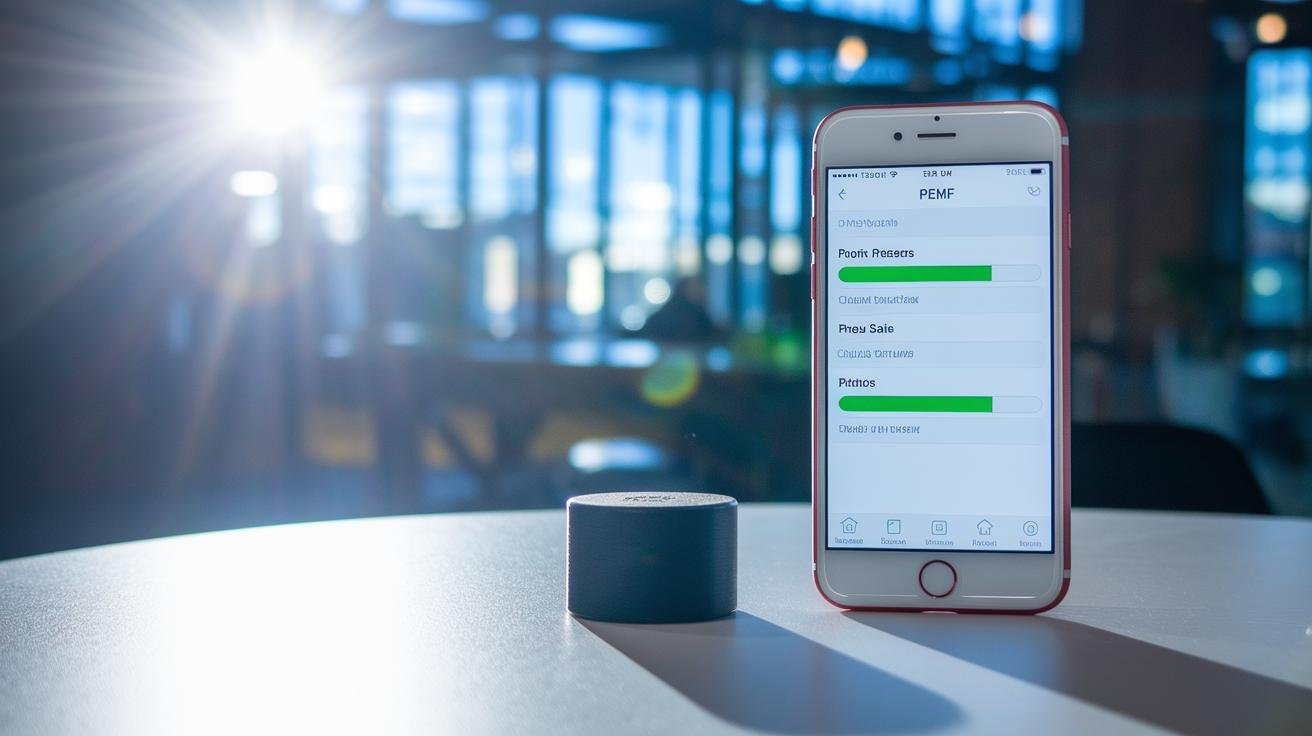
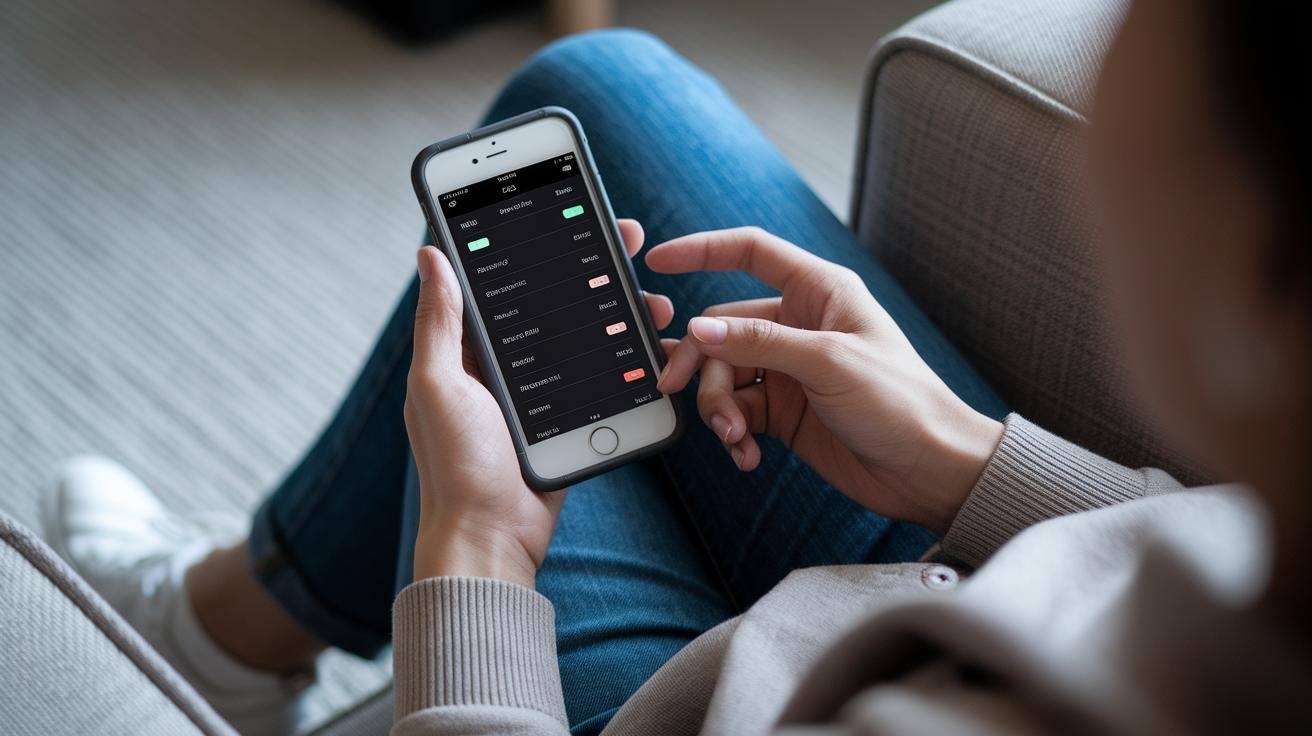
PEMF (Pulsed Electromagnetic Field therapy) devices now feel more like a helpful gadget than a medical machine. The interface gives you one-touch presets, a live readout of intensity and frequency, and a progress bar so you can watch a gentle hum of energy work through a session. The companion app pairs over Bluetooth or Wi-Fi, lets you schedule and track sessions, and even accepts voice commands from a smart speaker.
- Power and pair. Turn the device on, open the app, pick Bluetooth or Wi-Fi, then tap the device name to pair. Wait for the confirmation tone or the on-screen check. Easy.
- Launch a preset. Tap the goal preset in the app or press the device’s one-touch button. The display shows live frequency and intensity so you know what the device is doing. Feel confident.
- Schedule sessions. Set recurring times in the app for morning energy, a midday refresh, or an evening wind-down. Let the app run them automatically so you don’t have to think about it.
- Monitor progress. Watch the session progress bar and check the session log to see duration, shifts in intensity, and notes. It’s like a little diary for your wellness routine.
- Voice and smart home. Link the app to your voice assistant to start, pause, or stop sessions hands-free. Oh, and here’s a neat trick: say a simple phrase and the device will begin while you keep sipping your tea.
Have a tech question or want the deep details on interface options and connectivity? See smart PEMF device features explained.
🎁 Get a Free Wellness Gift
Enter your name and email below to receive a special wellness gift from OlyLife — absolutely free!
Custom Preset Creation and Library Management in Smart PEMF Devices
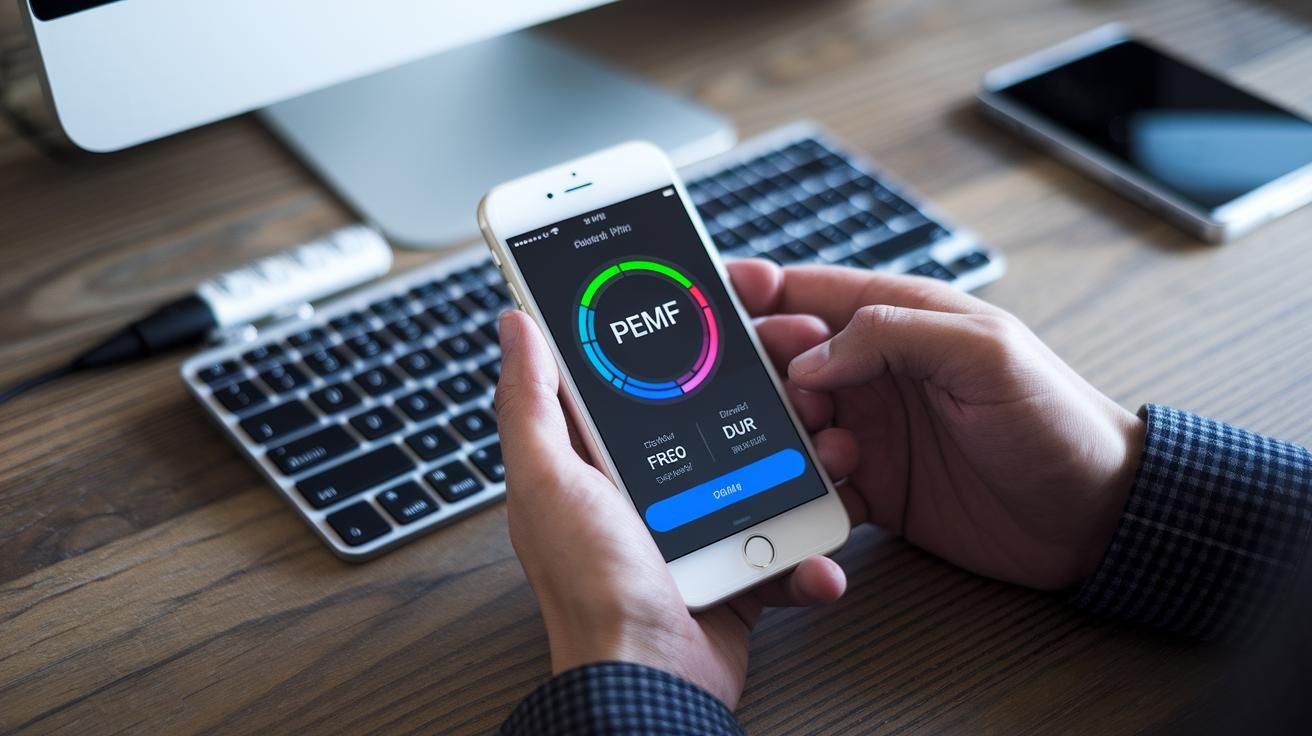
A custom program lets you tune frequency, intensity and duration so the device focuses on one symptom or a daily routine. PEMF (Pulsed Electromagnetic Field therapy) is basically a gentle hum of energy that asks your cells to wake up and repair. Think of a preset as a short, focused session you make just for you.
- Open the device menu or app and choose Create New.
- Set frequency, intensity, pulse width and duration. Start low for the first tests.
- Run a 10 to 15 minute trial. Note what you feel in a short log entry.
- If it feels good, tweak the settings and try again.
- Save with a clear name and version tag, for example "Shoulder-Relax v1".
Start low. Then raise intensity slowly. It helps you tell the difference between a helpful tingle and too much. Oh, and write a one-line note when you save. You will thank yourself later.
Keeping a tidy preset library makes daily use simple. Use folders or tags like "sleep," "pain," or "post-workout" so you can find what you need fast. Back up favorites to the cloud or export them to a file so settings aren’t lost if you switch phones or reset the device.
App customization usually lets you add notes, set a default start intensity, and schedule a preset to run on a repeat. Those little settings turn a one-off program into a habit.
Manual vs automated modes: Manual gives you live control so you can change intensity on the fly. Automated runs a saved program or a scheduled series without any input. Both have their place. Want to fine-tune during a session? Go manual. Want a consistent bedtime routine? Use automated.
Community presets and free downloads are common in apps. Treat them like a demo. Import, run gently at a low intensity, and tweak before you use them regularly. Keep a short log entry after trying community presets so you remember what worked.
Quick tips:
- Name and date each save. Easy to find later.
- Log one sentence about sensations after each trial. Calm, warm, pins and needles? Write it down.
- Use tags or folders for fast access.
- Back up often. Clouds are your friend.
Have you ever found a preset that just felt right? Keep that one handy. Relax. Breathe.
Safety, Troubleshooting and Maintenance for Smart PEMF Sessions

Quick tips to help you use smart PEMF (Pulsed Electromagnetic Field therapy) devices safely, fix common hiccups, and keep your gear working so presets run smoothly. Think of PEMF like a gentle hum or warm sunrise waking your cells , start slow and listen to your body.
Safety guidelines
- Start low and slow. Begin with the lowest intensity and shortest session to see how your body reacts.
- If you have a pacemaker or any active electronic implant, do not use PEMF near that device.
- Avoid treating areas with metal close to the applicator. Metal can change how the field behaves.
- If you’re pregnant, living with a chronic condition, or have implanted medical devices, talk with a healthcare provider first.
- Keep sessions comfortable. Stop right away if you feel dizziness, nausea, sharp pain, or anything that worries you.
- Use only manufacturer-approved mats, coils, and pads. Aftermarket parts can alter field patterns and how a session feels.
Troubleshooting steps
- Make sure the unit is charged or plugged in before you start a preset. Dead battery, no go.
- Check applicator placement. Mats should lie flat under the target area; coils and pads should be centered and gently touching the skin.
- Confirm cable and connector fit. A loose lead can prevent a preset from running.
- If a preset won’t start, switch to manual mode to check output. Then try a reboot or soft reset.
- Look up any error code in the device guide or app error log before calling support. The code usually points you right to the issue.
- If wireless pairing fails, toggle Bluetooth or Wi-Fi on both your phone and the device, then re-pair. Oh, and try moving closer to the device while you pair.
Maintenance and care
- Wipe mats and applicators after each use with a damp cloth. Don’t use abrasive cleaners or soak the gear.
- Keep connectors dry and free of dust. Let pads air-dry completely before storing.
- Update firmware about once a month. Firmware is the device software, and updates bring stability fixes and new presets.
- Store the unit and accessories in a cool, dry place away from direct sunlight and heavy bending. Coil cables loosely instead of folding them tight.
- Check cables and pads for wear regularly and replace them according to the manufacturer’s recommended lifespan.
Need a quick checklist before a session? Charge the device, place the applicator, start at low intensity, and listen to your body. If anything feels off, stop and check the guide or reach out to support.
Comparing Smart PEMF Devices and Applicators for Session Presets
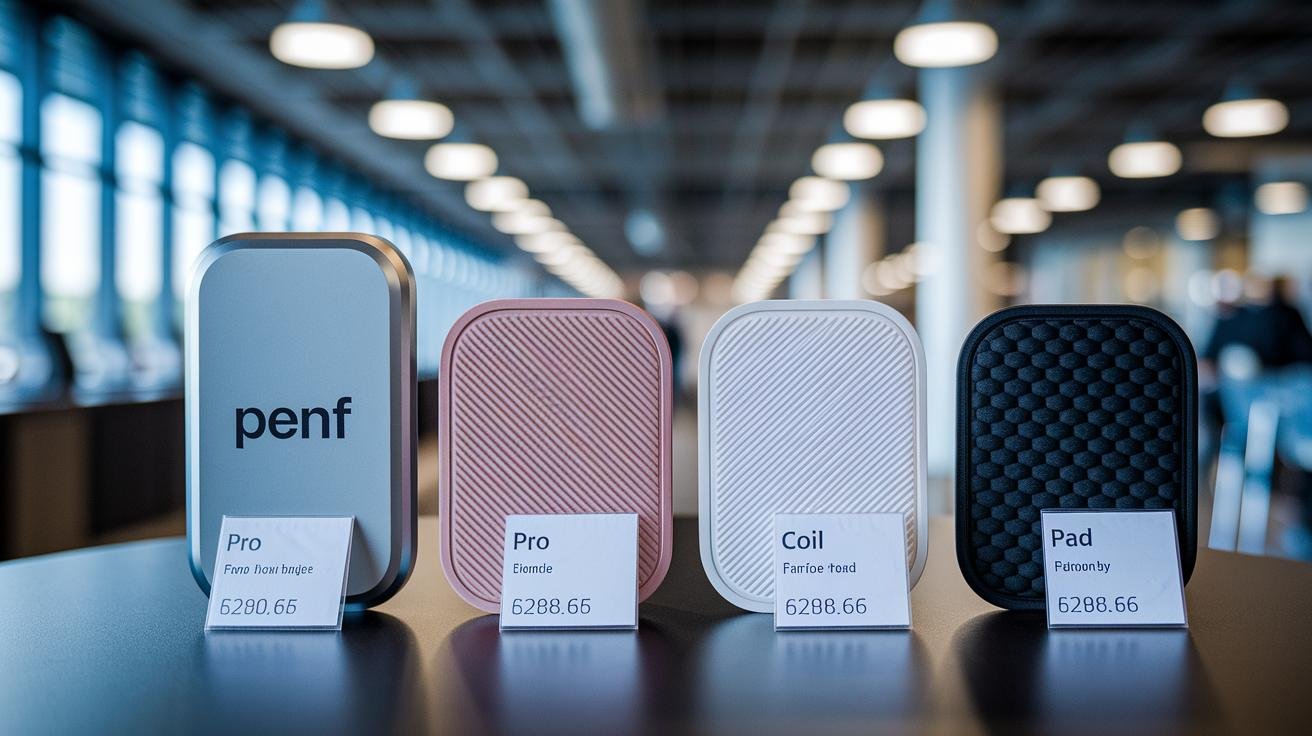
Choosing the right device makes it easier to hit the preset you want. PEMF (Pulsed Electromagnetic Field therapy) works like a gentle pulse of energy, and devices range from clinic-grade systems to travel-friendly coils. Which one fits your life – a full clinic setup, a nightly mat, or a little travel tool?
| Category | Key Features | Frequency Range | Price |
|---|---|---|---|
| Professional systems (e.g., PEMF Supply) | Wide waveform control, strong output, warranty-backed, clinic-ready presets | 1-100 Hz | $3,000-$15,000 |
| Entry-level mats (e.g., HealthyLine) | Full-body mat, often adds far-infrared and negative ions, simple presets for sleep and recovery | 1-30 Hz | $300-$1,200 |
| Portable coils | Targeted coils, light and travel-friendly, focused fields for joints and small areas | 1-50 Hz | $150-$800 |
| Localized pads | Padded applicators for muscle spots, easy placement, moderate intensity | 1-50 Hz | $100-$500 |
If you want wide clinical control, go with a professional system. It lets you tweak waveforms and intensities like a pro. For simple, affordable nightly routines, an entry-level mat is great , it feels like a warm blanket for your cells.
Need focused relief or travel ease? Portable coils and localized pads are your friends. They’re easy to aim at a sore shoulder or knee and don’t take up much space in a bag.
Quick tip: start at the lowest preset and raise intensity slowly while you notice how you feel. Pay attention to sleep, soreness, and energy the next day. Relax. Breathe. You’ll learn your sweet spot with a little gentle trial and tracking.
Final Words
Pick a goal-specific preset, tweak frequency, intensity and duration, place the applicator, then start the session , that practical setup was the focus here.
We also covered waveform choices, app and timer controls, custom presets, scheduling tips, safety steps like starting low and logging how you feel, plus basic maintenance.
Use this smart PEMF session presets guide to build brief, calming routines that ease tension, speed muscle recovery, and help sleep. Small, steady sessions can leave you feeling more rested and ready.
FAQ
Frequently Asked Questions
What is a PEMF mat and what does it do?
The PEMF mat is a padded device that delivers pulsed electromagnetic field therapy (PEMF), using gentle electromagnetic pulses to support pain relief, circulation, sleep and cellular recovery.
What are PEMF mat benefits?
PEMF mat benefits include reduced pain and inflammation, faster post-workout recovery, better sleep, and improved local circulation—short sessions can boost comfort and daily energy.
What does a PEMF mat settings chart show?
The PEMF mat settings chart shows recommended frequency, intensity and duration ranges for goals like pain relief, circulation, tissue healing and sleep; typical ranges run 1–100 Hz and 5–50+ μT, with 10–30 minute sessions.
What are higher dose PEMF mat settings and how should I use them safely?
Higher dose PEMF mat settings raise intensity for chronic or deep-tissue needs, often 30–50+ μT; start at the lowest setting, increase in small steps, watch how you feel, and consult a healthcare provider if unsure.
Where can I find a HealthyLine PEMF frequency chart?
The HealthyLine PEMF frequency chart lists that brand’s preset frequencies and suggested intensities; check the device manual or HealthyLine support page for exact PDF charts and manufacturer guidance on safe use.
How do I find PEMF mat therapy near me?
To find PEMF mat therapy near you, search local physical therapy clinics, wellness centers or chiropractic offices, use online directories and maps, and call ahead to confirm device type and preset options.